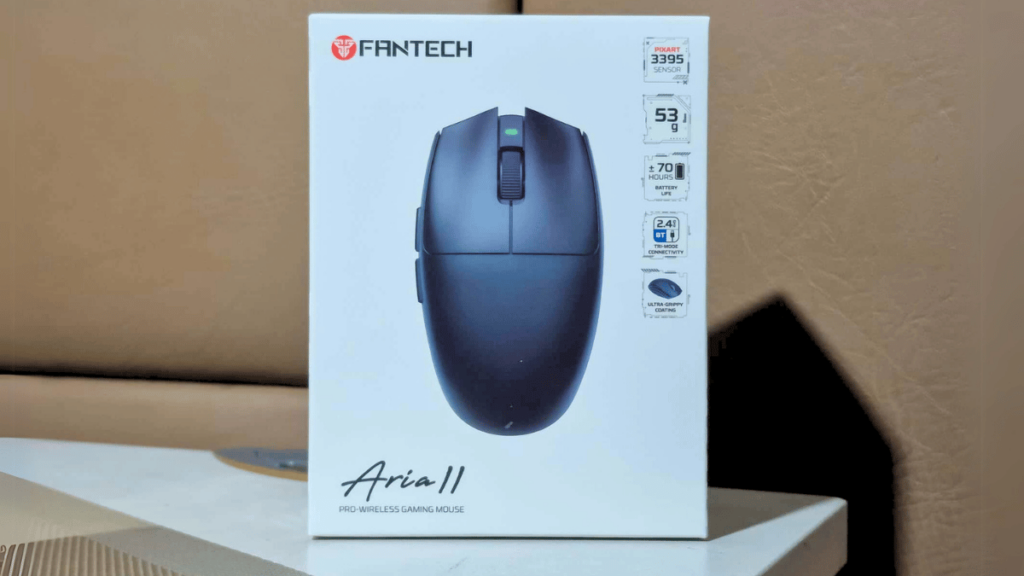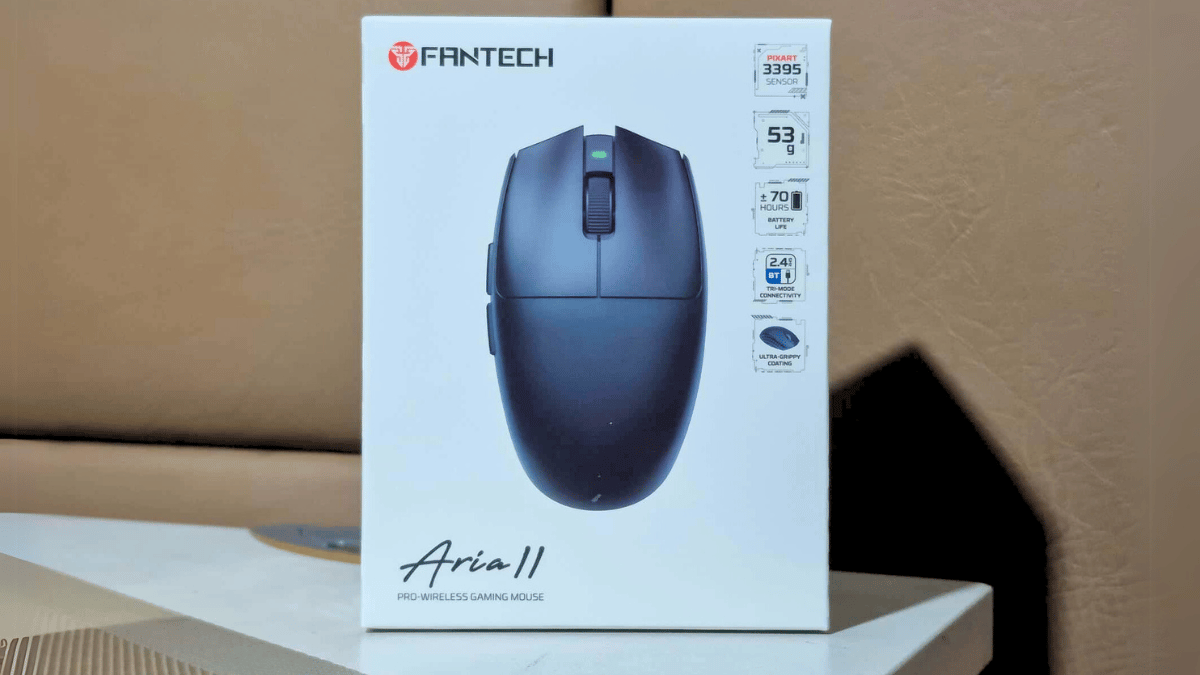

The Fantech Aria gaming mouse has received widespread praises since its launch in 2022, particularly for its ergonomic design and affordability, which gamers appreciate. Today, we have the opportunity to explore the updated version, the Fantech Aria II. We are reviewing the standard model, which shares many features with the pro version, but boasts an impressive 8K polling rate.
Unboxing
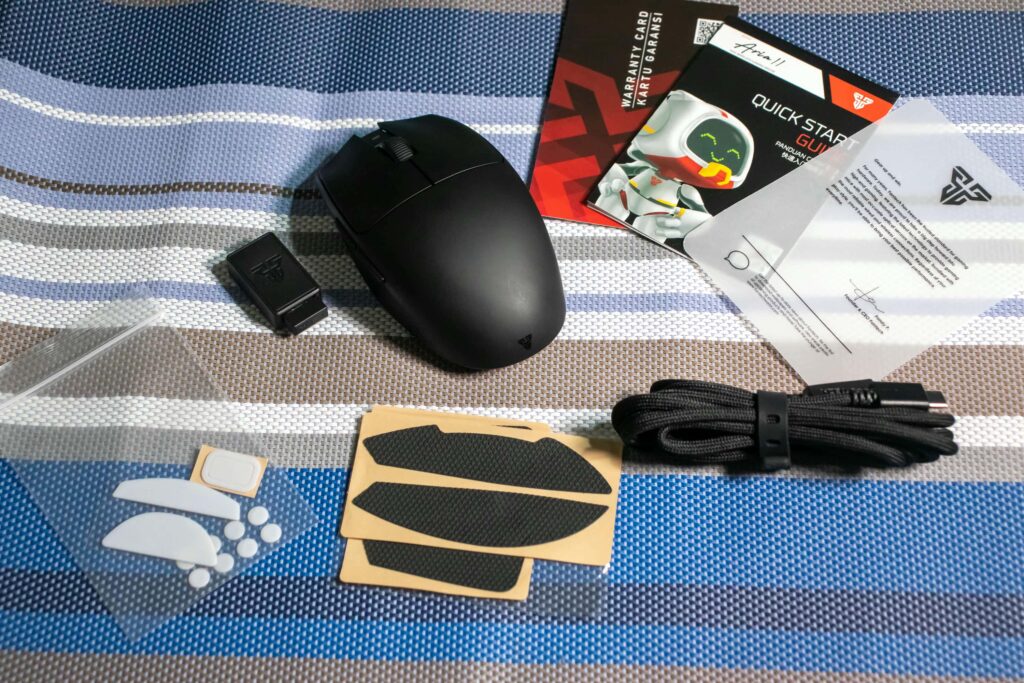
What I like with this gaming mouse is that, even though it is a budget oriented gaming mouse, they didn’t cut corners with the content they included in the box. You will receive in the box the Aria II, USB wireless dongle, 1 set PTFE Mouse Sakes, 1 set PTFE Dots Skates, 1 Set Grip Tape, USB C Data Cable, and documents.
It’s nice to receive so many extras with a gaming mouse. If you want to change its clicker, you don’t have to worry about buying replacement skates, and for those who prefer grip tape on their mouse, it’s already included in the box.
The Design
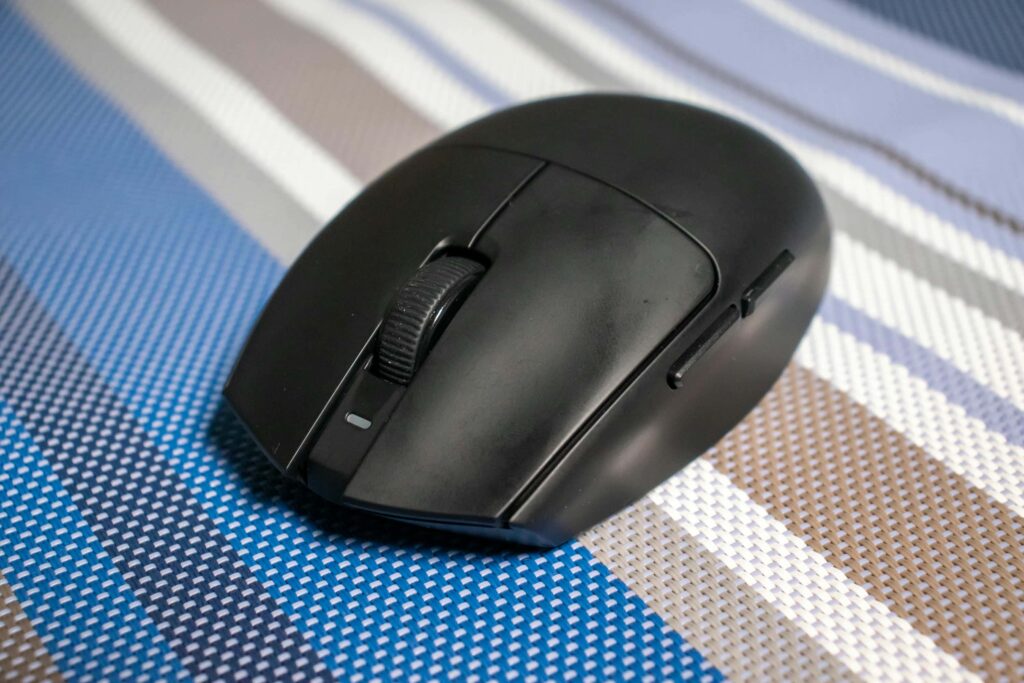
Let’s begin with its color options. The Fantech Aria II is available in three colors: Black, Red, and White. For this review, we have the Black version.
You’ll notice that the Fantech Aria II no longer has holes, which I prefer since it prevents dust from getting inside the mouse. However, one downside is that it no longer features a removable cover, meaning there’s no compartment for storing the wireless dongle that is actually an inconvenience for those who travel frequently with it.
Even if there is the removal of the removable cover and holes, the Fantech Aria II manages to reduce its weight to 53g ± 2g, making it even lighter than its previous iteration. While the lightweight design is impressive, it’s also easy to hold thanks to its improved ultra-grippy coating, which has a rubbery feel. However, I’m concerned about its durability, as after just a few days of use, visible smudges have already appeared on the left and right click, suggesting that prolonged use might cause wear on the coating.
During gaming sessions with this mouse, I didn’t experience any discomfort while holding it or feel the need to grip it tightly to keep it steady. When applying pressure to the sides, top, or bottom, there was no flexing or squeaking when applying pressure for the sides or even the top and bottom part of the mouse, which speaks to the solid build quality of the Aria II.
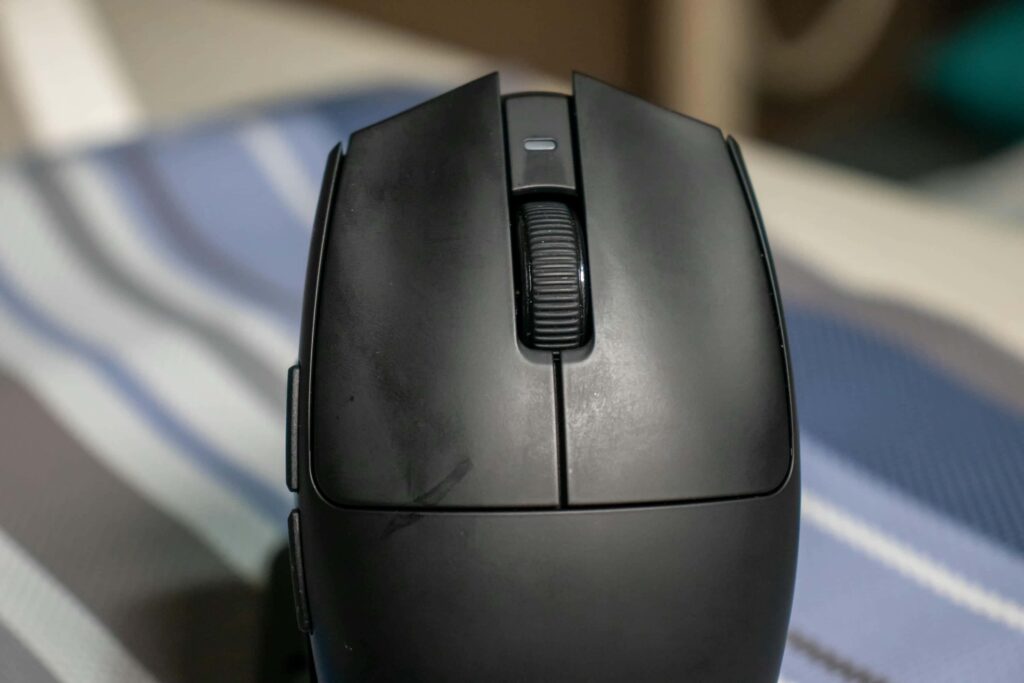
One of the main reasons this mouse is so popular among gamers is its egg-shaped design, which they made flexible and accommodates any grip style, whether you prefer a claw or fingertip grip. However, it is not ambidextrous, as the left side features a noticeable curvature, while the right side is flat.
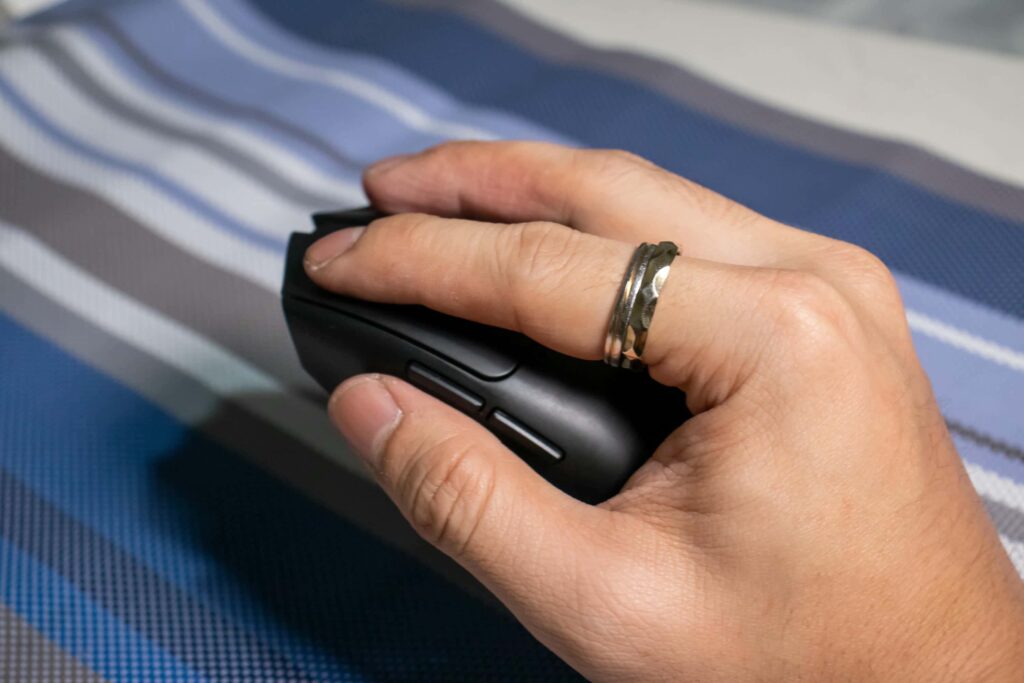
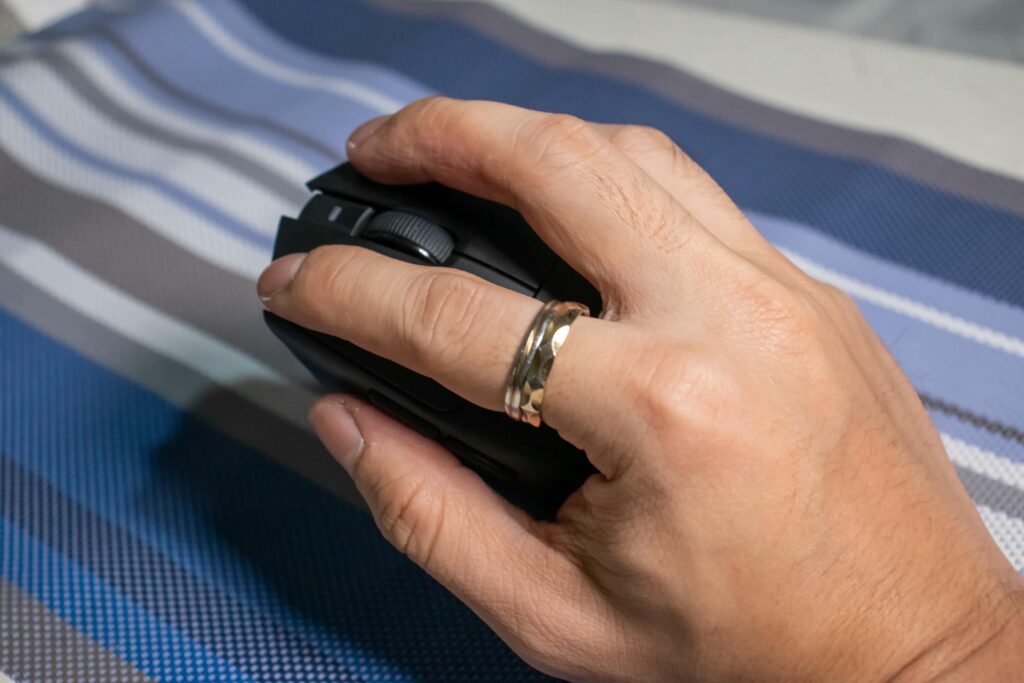
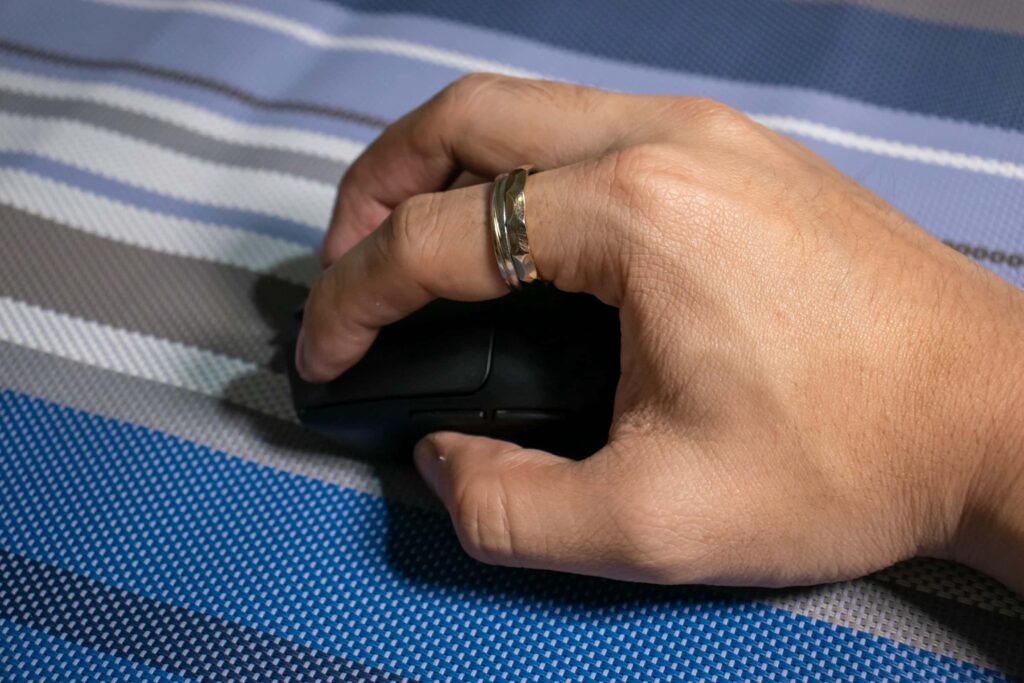
As for the size of the Fantech Aria II, it has a 114mm length x 39mm height x 65mm width. My hands are medium-sized, and I can still hold it easily without any discomfort. We also had friends with small to extra-small hands try it, and they were still able to use it comfortably.
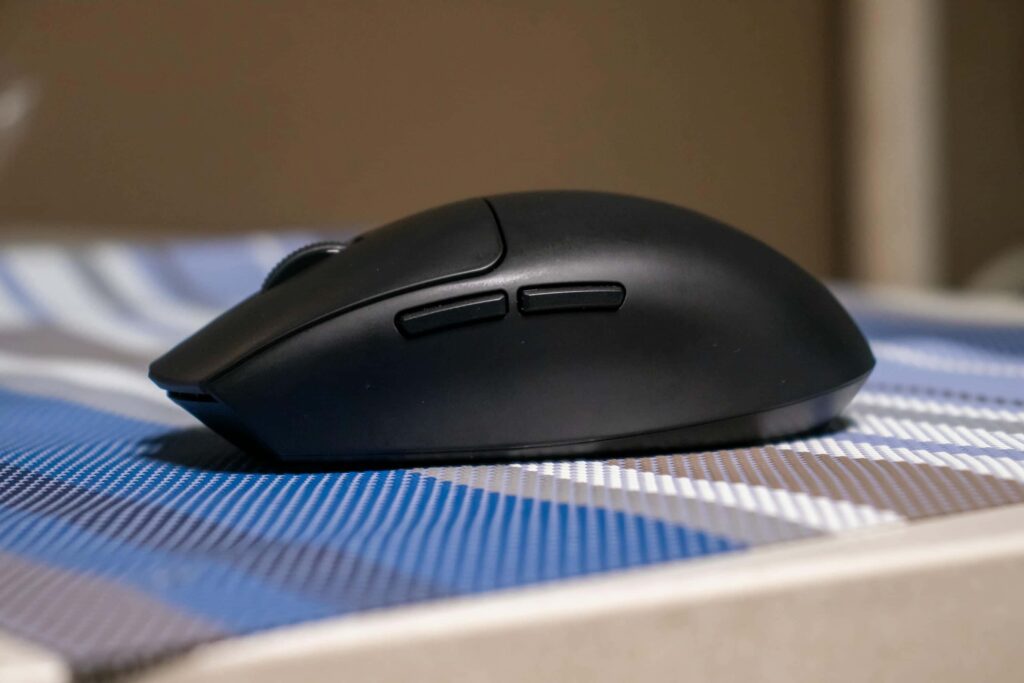
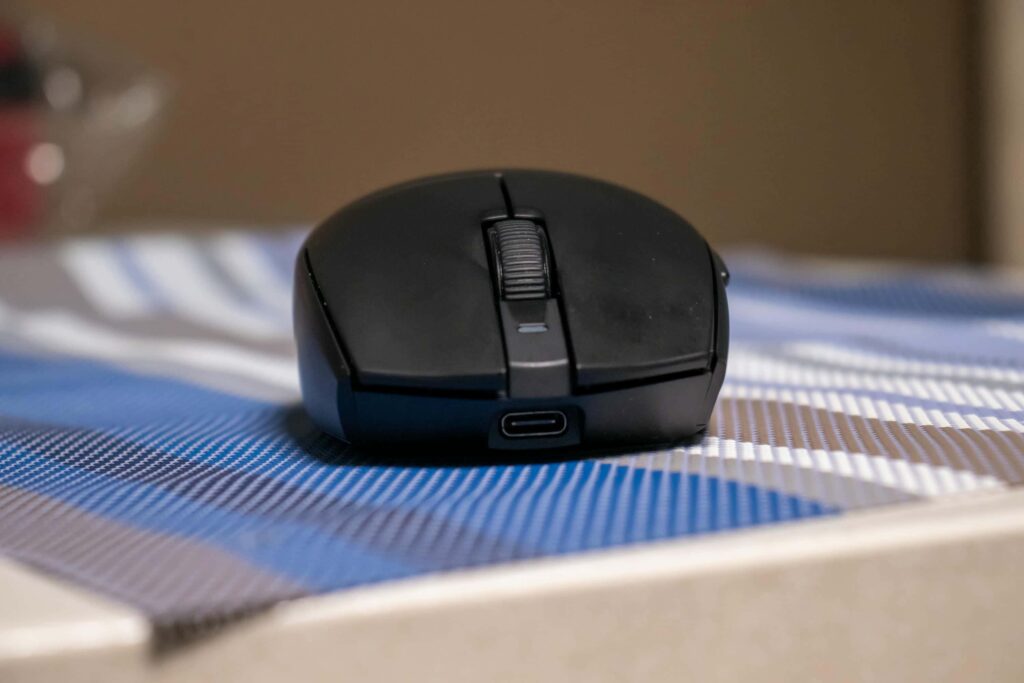
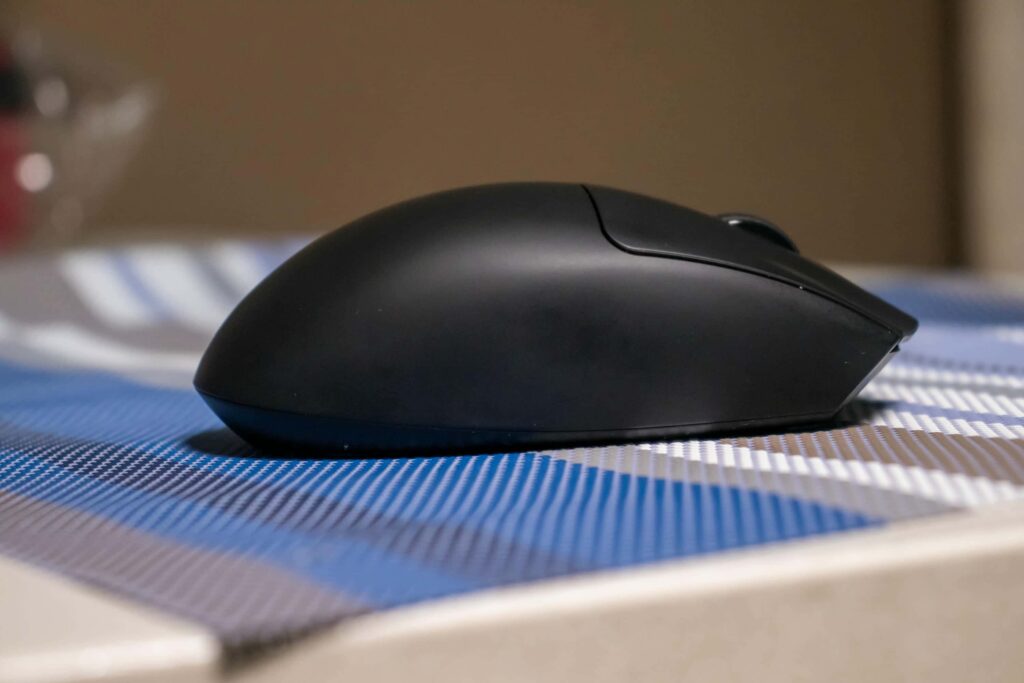
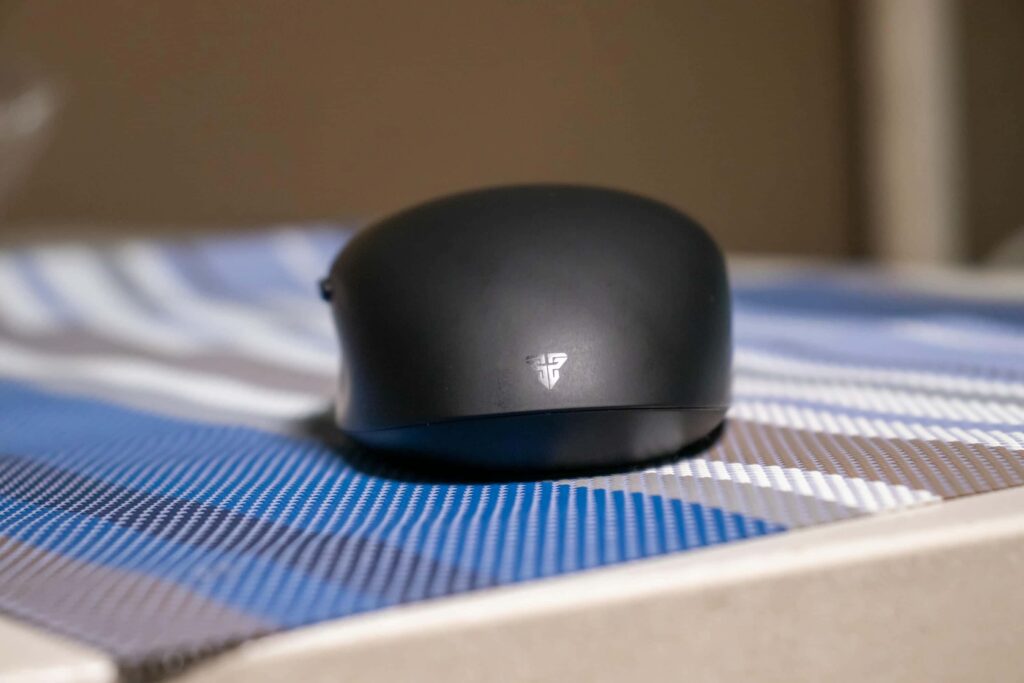
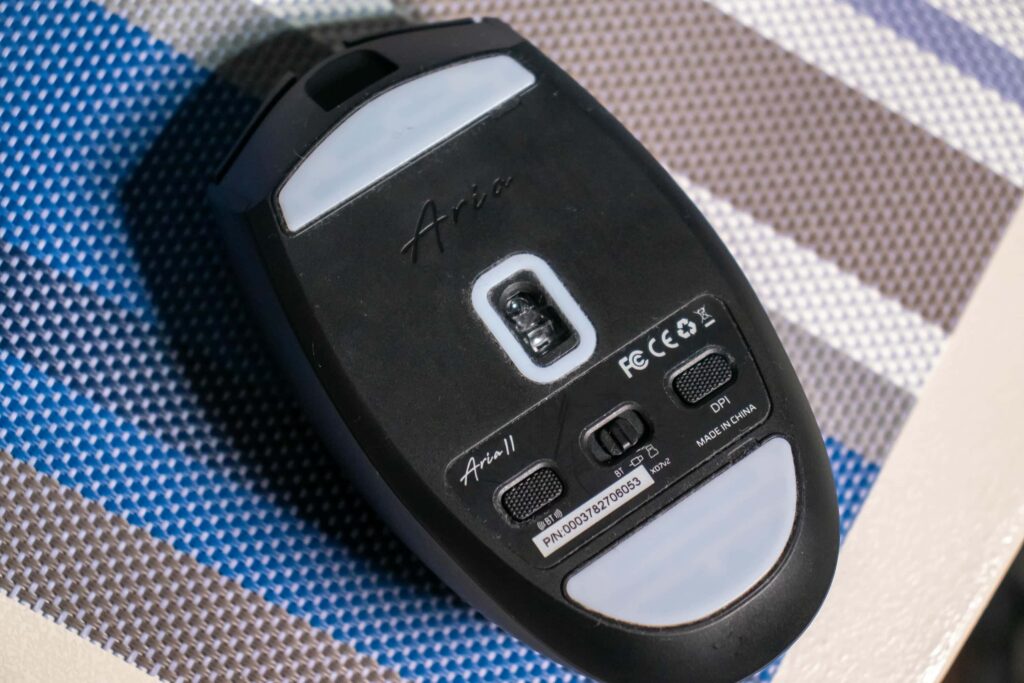
For its indicator, there is a light on the upper part of the scroll wheel.The mouse features two buttons on the left side, along with the left and right click buttons. In the middle, there’s a scroll wheel with a rubber grip for better control. On the bottom part of the mouse, you will find the Bluetooth button, switch for Bluetooth, Wired or Wireless mode and its DPI button for switching its DPI speed.
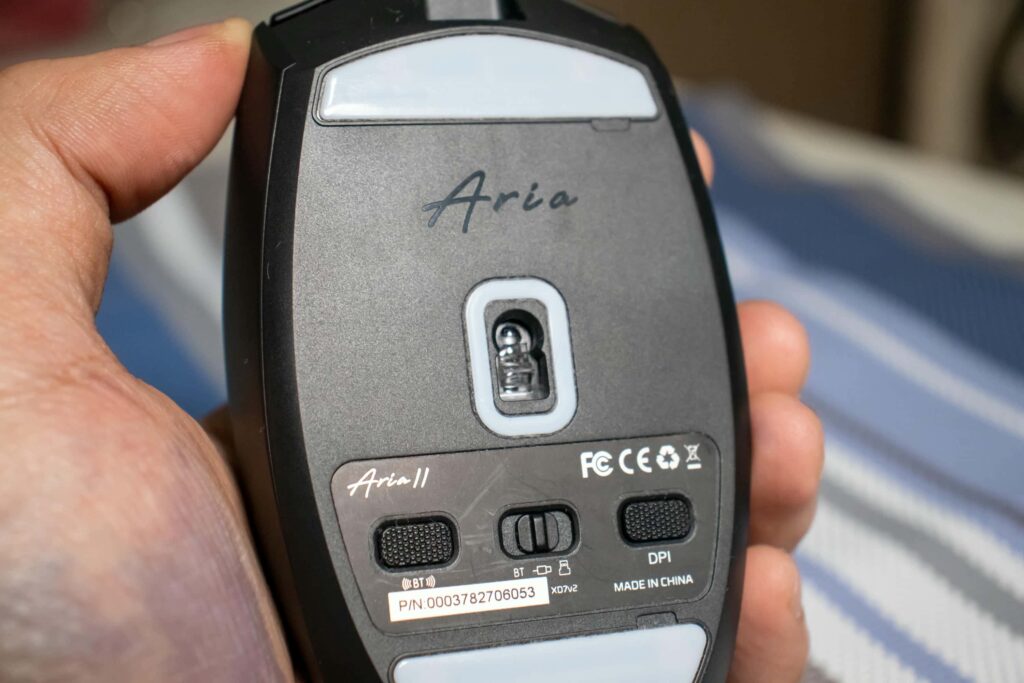
The Fantech Aria II has two large skate pads on the upper and bottom parts of the mouse, as well as around the sensor area. If you prefer dot-shaped skates, you can remove the currently installed ones and switch to the dot skates included in the box.
The Features
The Fantech Aria II features Huano Transparent Blue Shell Pink Dot switches, which are popular in the gaming community for their impressive 80 million click lifespan. This means they’ll last longer and are less likely to double-click. The switches offer a nice tactile feel and solid actuation, making them a great choice for FPS gamers. While they don’t have the speed advantages of optical switches, they provide a better tactile experience. As for the click sound, they’re quieter compared to the Pulsar Xlite V3 switches.
As for the scroll wheel offers great feedback with every scroll, requiring minimal force to use. It features a textured rubber grip, making it easy to scroll smoothly. So far, during our use, we haven’t encountered any squeaks or issues.
The two buttons on the side have a softer click sound with nice actuation. It doesn’t wobble either when you click it.
As for the sensor it uses, it has a PixArt 3395 sensor which can go up to 26K DPI and has ultra-precise tracking. It is the same sensor you can find in its previous version. Many comments I see with the Aria II release were that they should have gone for a PixArt 3950 which many newer mice use already. It has a polling rate of up to 1K Hz but the pro version supports up to 8K Hz. So far in our experience, it has been flawless with our flicks and headshots we did when we played Valorant on it.
The Aria II has a 300 mAh Li-ion battery, which is rated to last up to 70 hours. In our tests, it was able to come close to this claim. After 10 hours of gameplay, the battery dropped from 100% to 78%.
The Software
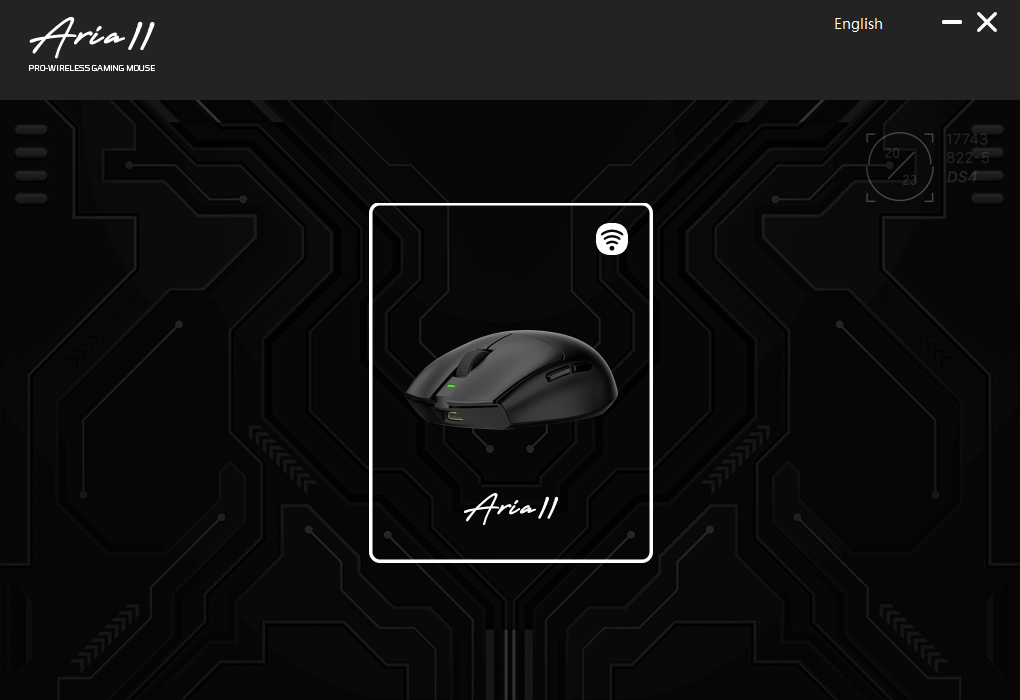
To customize settings or check the battery status, you’ll need to install the software, which is available on their website. Interestingly, Fantech has created separate software for each mouse model, so if you own multiple Fantech mice, you’ll need to install the software for each one individually.
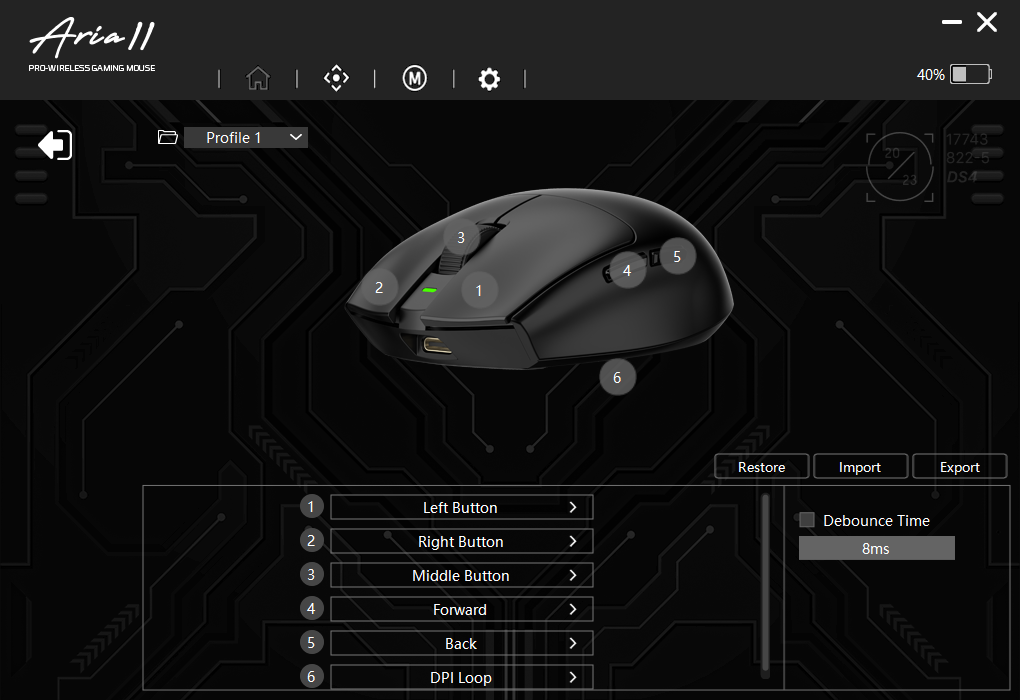
The software design is similar to the rest of the Fantech mouse we tested. On the software’s home page, you can switch between up to four profiles. It also allows you to customize all six buttons, including the DPI button located underneath the mouse.
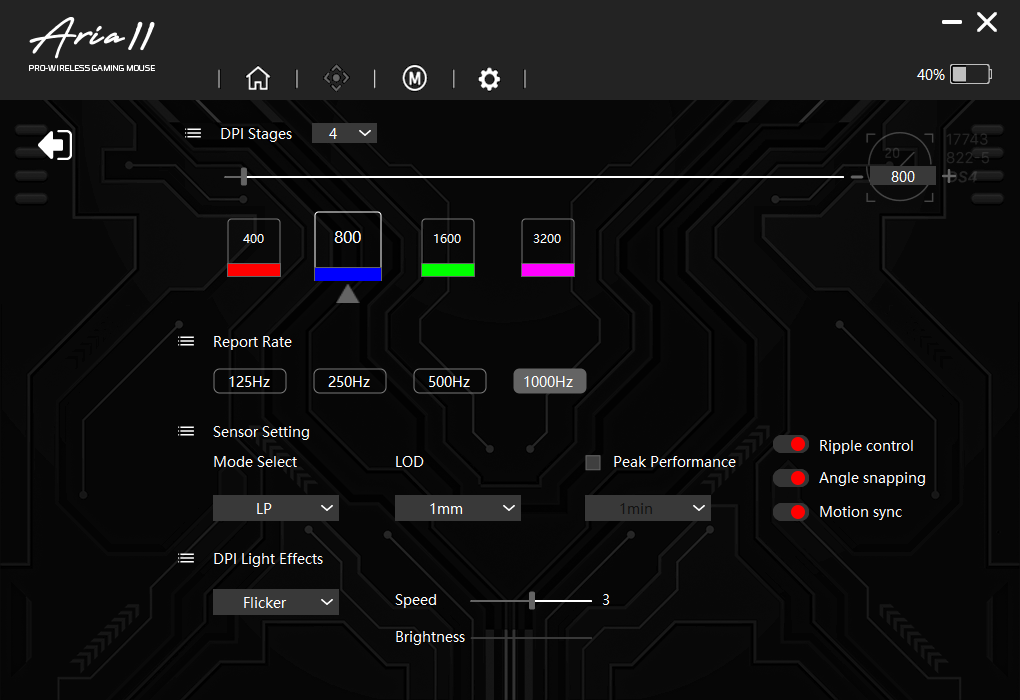
The next page in the software allows you to adjust additional settings, such as the DPI stages, which can be set up to 4 levels. By default, these are set to 400, 800, 1600, and 3200 DPI. You can also adjust the polling rate, with options for 125Hz, 250Hz, 500Hz, and 1000Hz. The sensor mode can be switched between Low Power (LP) and High Power, though LP works fine for most users. There’s also the option to adjust the Lift-Off Distance (LOD), with choices of 1mm or 2mm.
Other settings include enabling Peak Performance, with time options ranging from 30 seconds to 15 minutes, and toggling features like Ripple Control, Angle Snapping, and Motion Sync. You can also customize the DPI light effect, choosing from off, fixed light, or flicker, and adjust the speed and brightness of the effect.
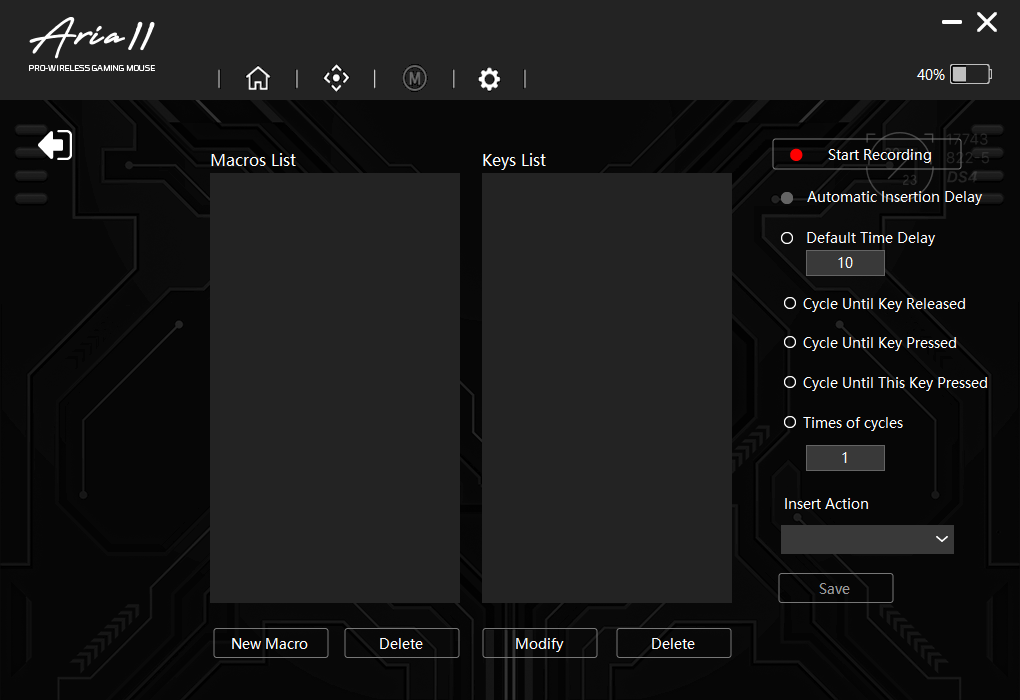
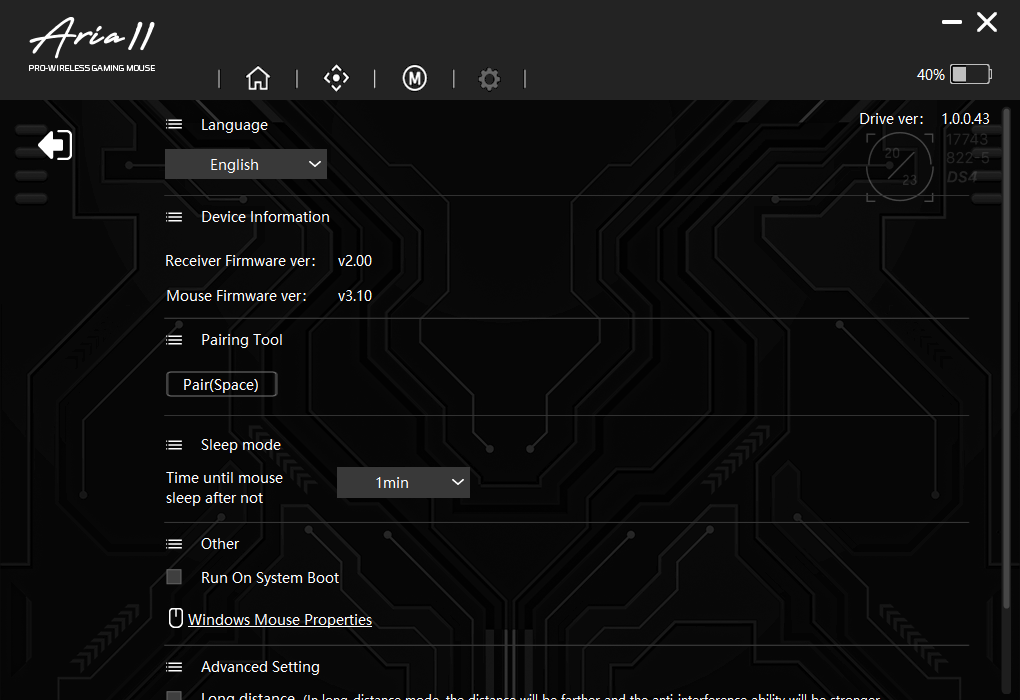
There’s also a Macro setting where you can configure your macros. The final page in the software includes system settings, such as options to run the software on system boot, set the mouse to sleep after a period of inactivity, and view device information, including the firmware version.
Fantech Aria II Verdict
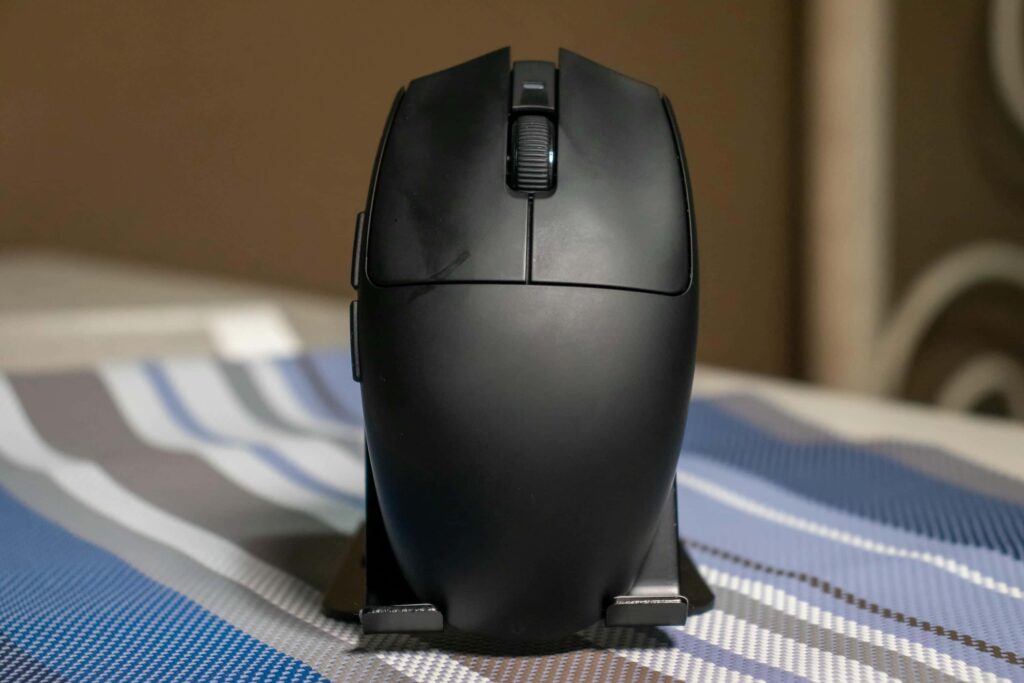
The Fantech Aria II has gained a strong following in the gaming community, thanks to its well-loved egg-shaped design and an enticing price point. Even though the sensor hasn’t been updated for this version, the overall build quality, improved coating, and solid mouse switches make it a worthwhile upgrade. The lighter design enhances the overall experience, especially for FPS games, making it even more enjoyable to use.
The Fantech Aria II comes in two versions: the standard model, priced at Php 2,599, and the Pro version, which features an 8K polling rate, priced at Php 4,199. Both models are available for purchase on Lazada and Shopee.
Check more gaming tech reviews here: www.enduins.com/gaming-tech