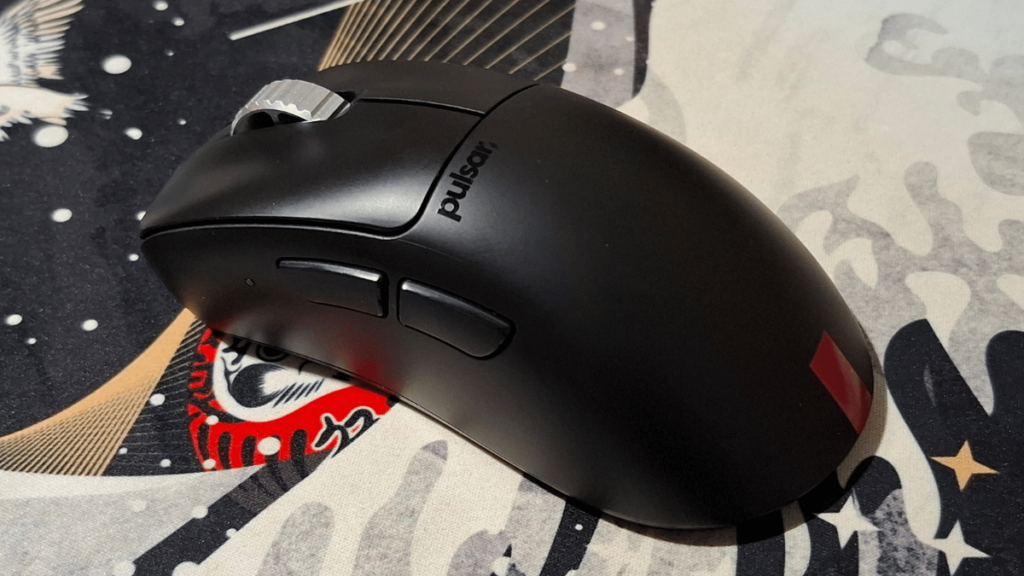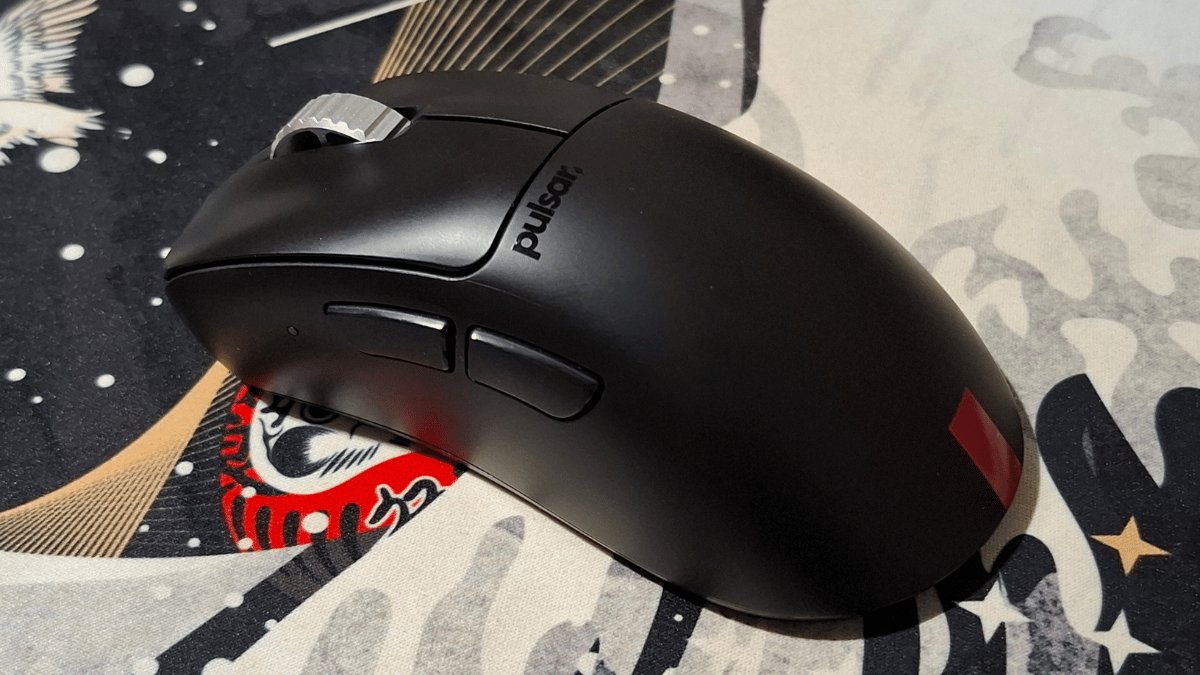

Pulsar is a brand gaining recognition in the esports scene, with well-known teams like Team Secret using their mice and collaborating with other esports organizations. We had the chance to review one of the most highly praised mice in the esports world, the Pulsar Xlite V3 eS. Let’s dive in and find out why this mouse has earned such acclaim in the competitive gaming community!
The Unboxing
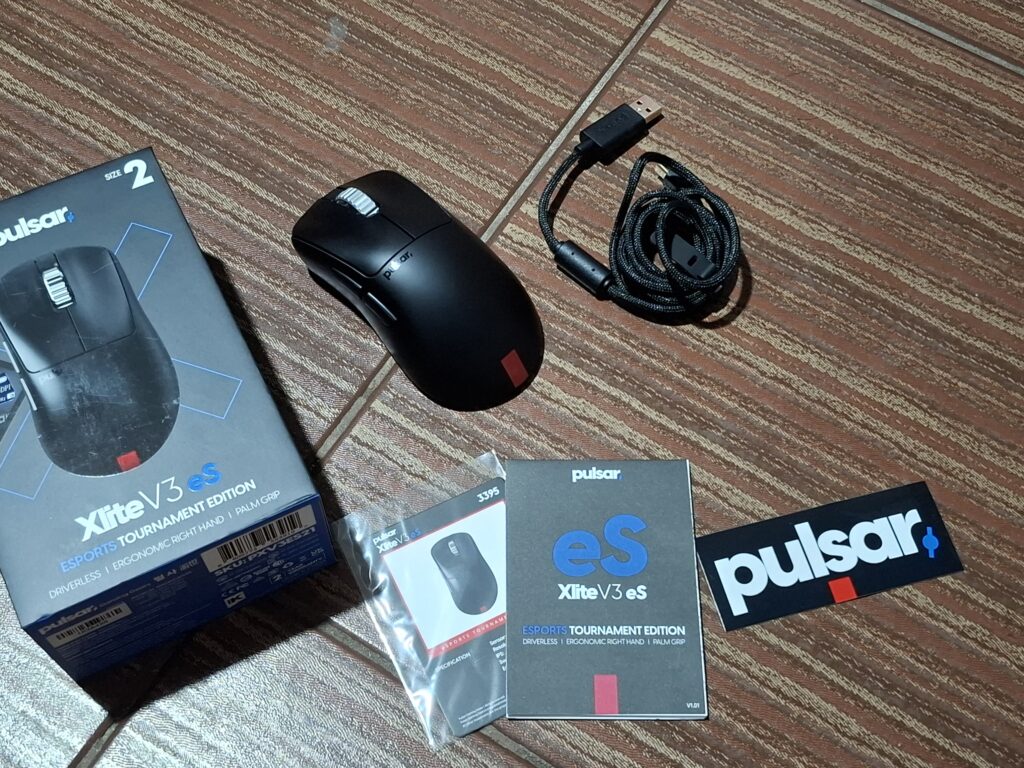
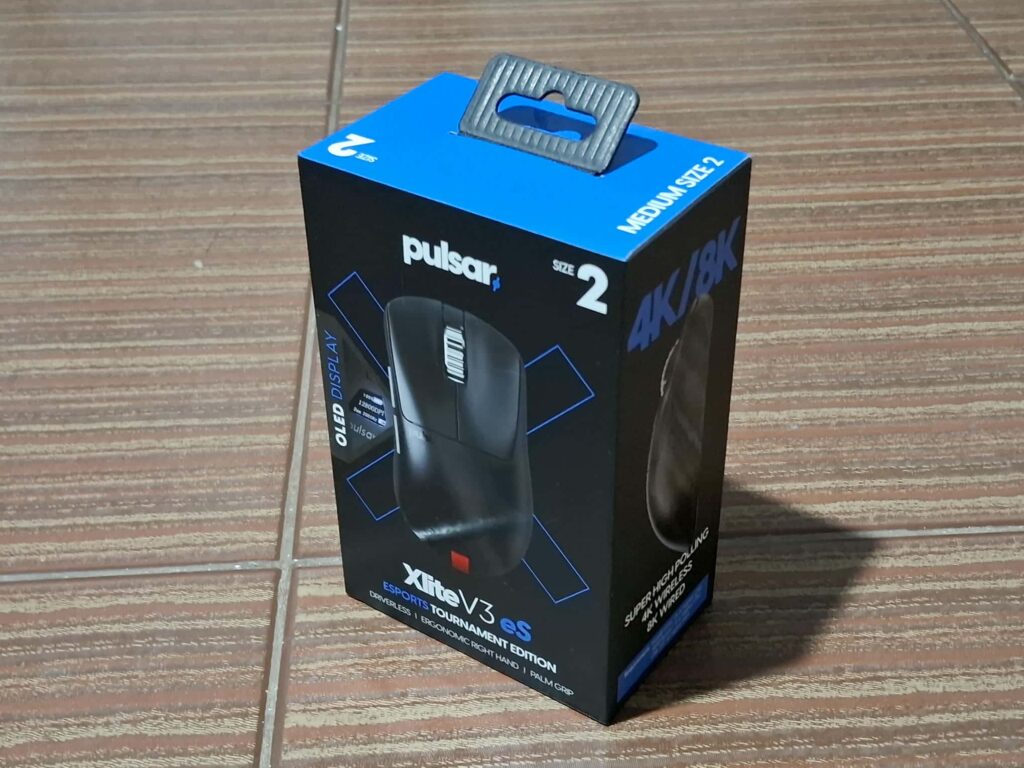
We received the Pulsar Xlite V3 eS in a black box with the product in the front and some specifications in the side and at the back. Inside the box you will receive the mouse itself, USB Type-A to Type-C cable, wireless dongle, sticker, collector card, and quick start guide.
The Design

The Pulsar Xlite V3 eS we have is size medium, and measures 122mm in length, 66mm in width, and 43mm in height. Weighing just 65 grams, it is lightweight and easy to handle. With a bump reminiscent of the Razer DeathAdder and Zowie EC3, it appeals to users who prefer this ergonomic design. Overall, the mouse is well-suited for palm and claw grip styles, and its build quality is excellent, with no noticeable flex even when gripped firmly.
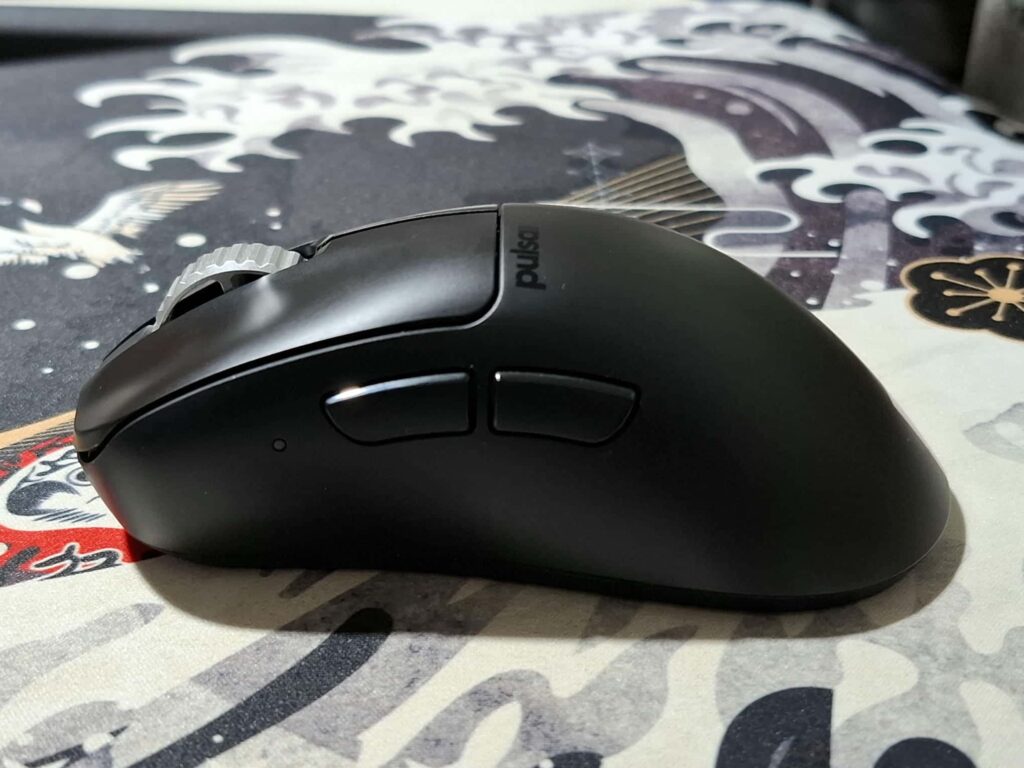

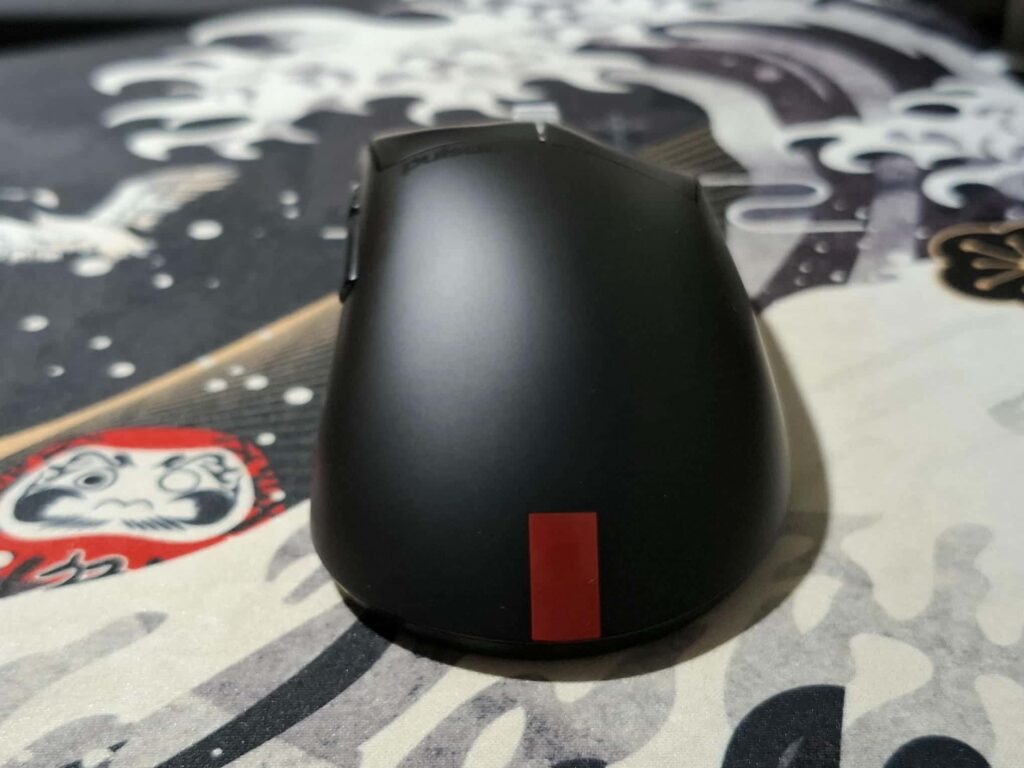
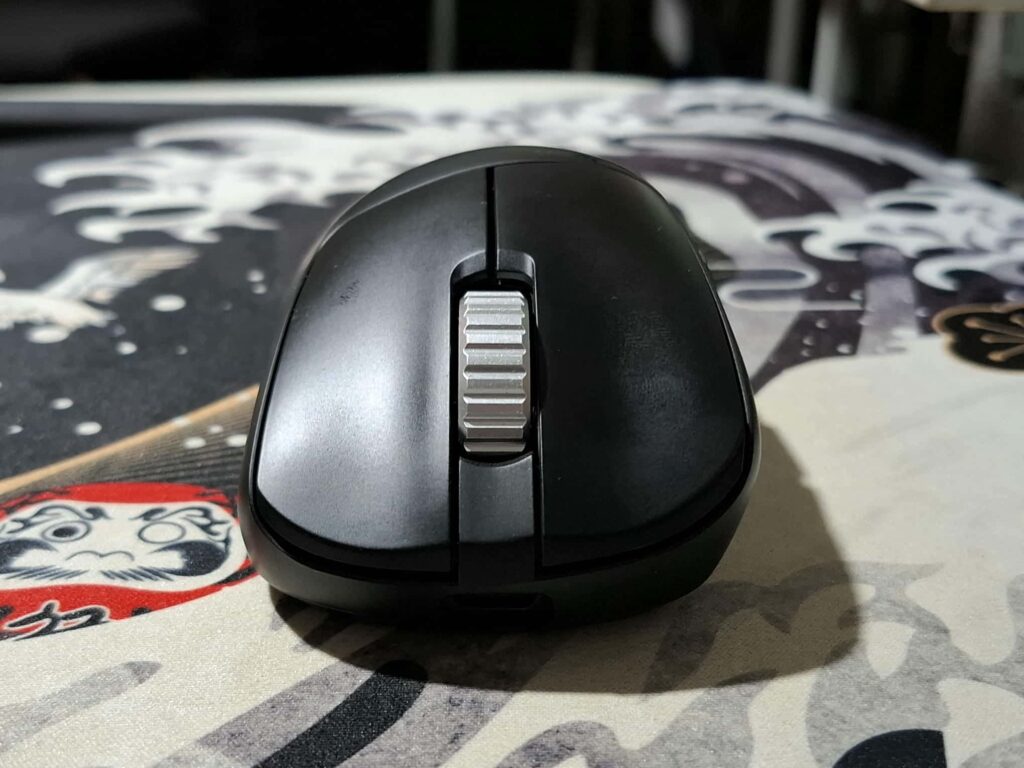
One standout feature is the aerospace-grade aluminum alloy wheel, a choice that sets it apart from other brands that typically use plastic with rubber. The mouse wheel is satisfying to use, as are the left and right clicks, which are responsive without feeling overly stiff.
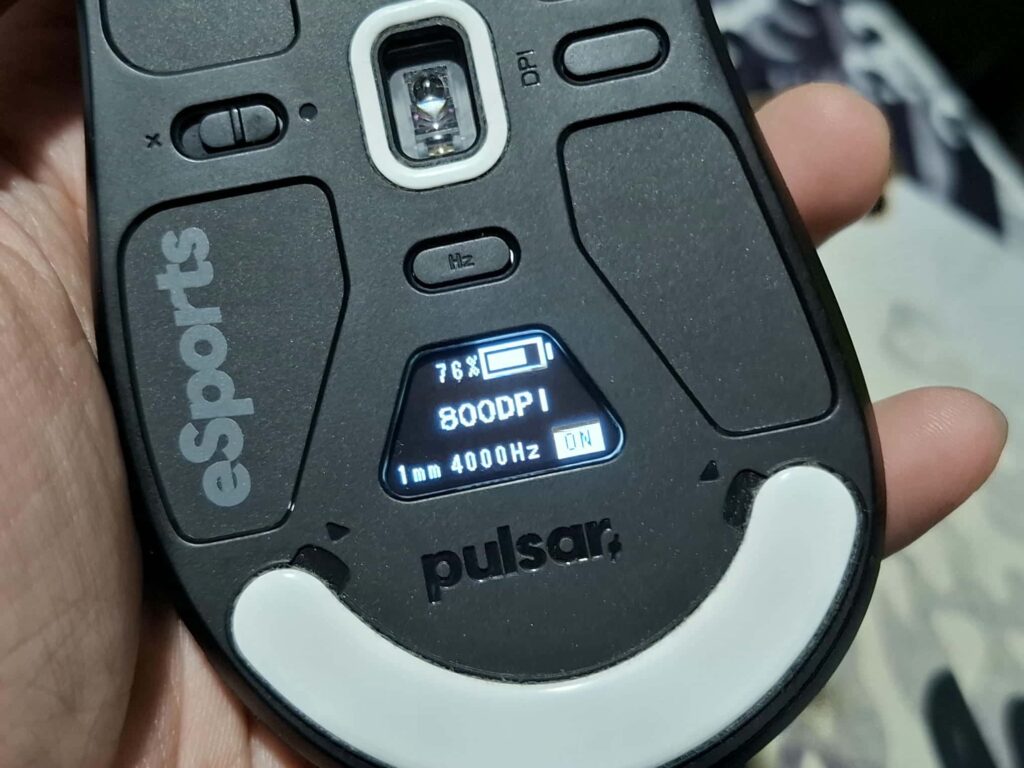
A unique feature of this mouse is the OLED display located underneath, allowing users to easily track information such as polling rate, LOD, motion sync, DPI, and battery status. In my opinion, this is not a gimmick. It eliminates the need for additional software to adjust mouse settings, which is particularly useful for competitive players who frequently compete at venues where installing software on tournament PCs is prohibited.
The Pulsar Xlite V3 eS features the PixArt PAW3395 sensor, supporting up to 26,000 DPI. Its polling rate reaches up to 8KHz when wired and up to 4KHz in wireless mode. For the switches, Pulsar uses Fast and Double-Click Free Optical Switches, while the scroll wheel incorporates the Pulsar Blue Encoder for smooth operation. As for the mouse feet, it uses PTFE.
The Experience
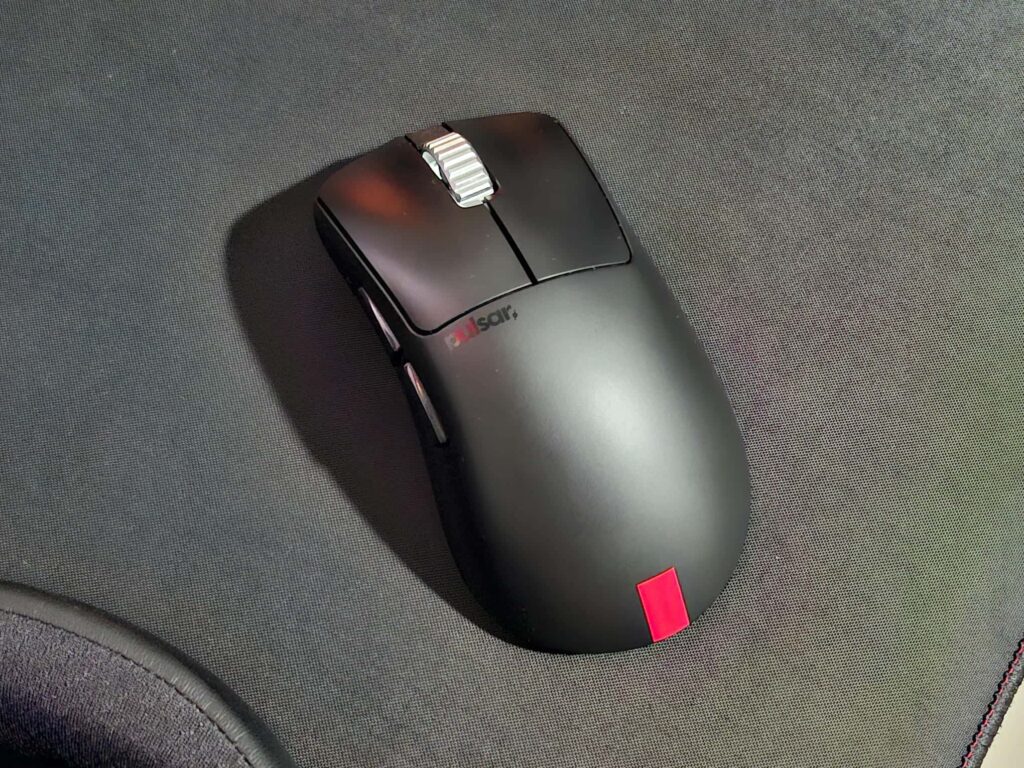
After using the Pulsar Xlite V3 eS for a couple of weeks, I initially had a hard time adjusting to its arch, as I transitioned from the Fantech Aria II mouse, which we recently reviewed. However, after about a week, my hand adapted, and I was able to perform at my best in games like Valorant and Marvel Rivals.
I particularly enjoyed the display screen for a quick glance at the battery life, though the mouse also has a low-battery indicator light on the left side. Besides checking the battery, the display allows for quick changes to your DPI or polling rate, which I found very convenient. There’s no need to install additional software on my PC, which can sometimes cause performance issues.
The Pulsar Xlite V3 eS features a 500mAh battery, which is advertised to last up to 100 hours, though the specific conditions for this claim aren’t specified. In my testing, with a 4000Hz polling rate and 800 DPI, the battery went from 100% to 50% in about 3 days of gaming (8 to 12 hours per day). It lasted around 5 days before dropping to single-digit battery life, at which point I decided to plug it in to charge.
When plugged in, the experience still felt wireless, thanks to the paracord cable, which is lightweight and flexible, ensuring it doesn’t drag the mouse during use.
Pulsar Xlite V3 eS Verdict
The Pulsar Xlite V3 eS is an excellent choice for gamers seeking a competitive edge. Designed with competitive gaming in mind, it performs exceptionally well for palm grip users and works comfortably with claw grip styles as well.
The mouse features highly responsive optical switches that ensure durability and precision, making them ideal for extended use. Its PixArt PAW3395 sensor is top-tier, widely praised in the gaming community, and used in many premium gaming mice. This sensor supports a 4KHz polling rate in wireless mode and up to 8KHz when wired, providing smooth and reliable performance during intense gameplay.
One standout feature is the built-in OLED display. Far from being a gimmick, this display allows users to quickly adjust settings such as polling rate, DPI, and more—without the need for software. This is particularly beneficial for players competing in on-site tournaments where installing additional software is often not permitted.
In terms of value, the Pulsar Xlite V3 eS stands out. Its build quality is excellent, and the thoughtful features justify its price tag of $129.95. If you’re in the market for a reliable, high-performance gaming mouse, this is definitely one to consider.
Pros:
- Lightweight gaming mouse
- Excellent sensor performance
- Quick and responsive switches
- No software is required for mouse settings
Cons:
- None
Check more Enduins gaming tech reviews here: www.enduins.com/gaming-tech